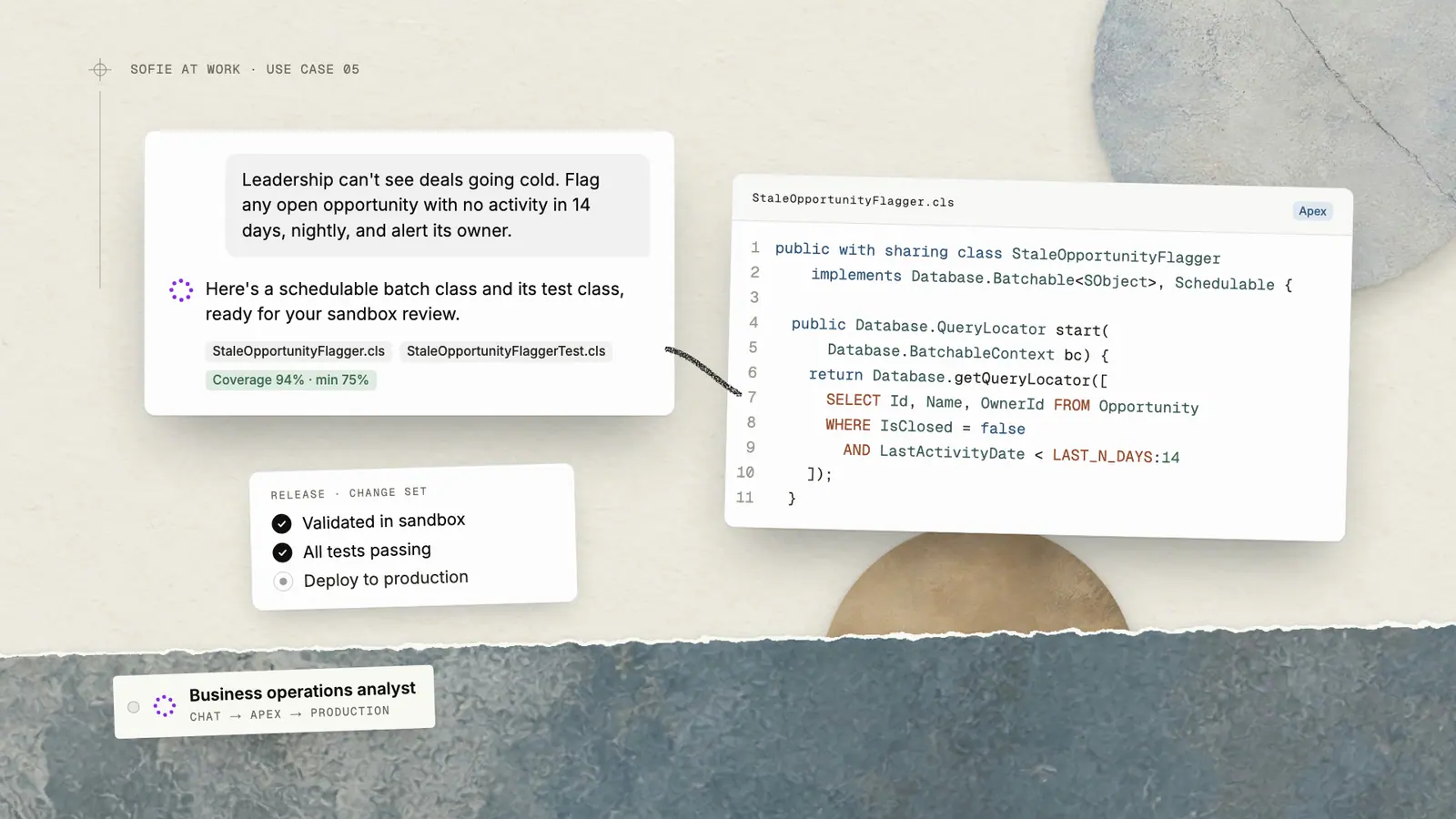
More Ways to Chat With Voice Mode
Sofie is built for enterprise-biopharma workflows, and voice mode features bring even more flexibility and ease.
TransferAI Team2 min read
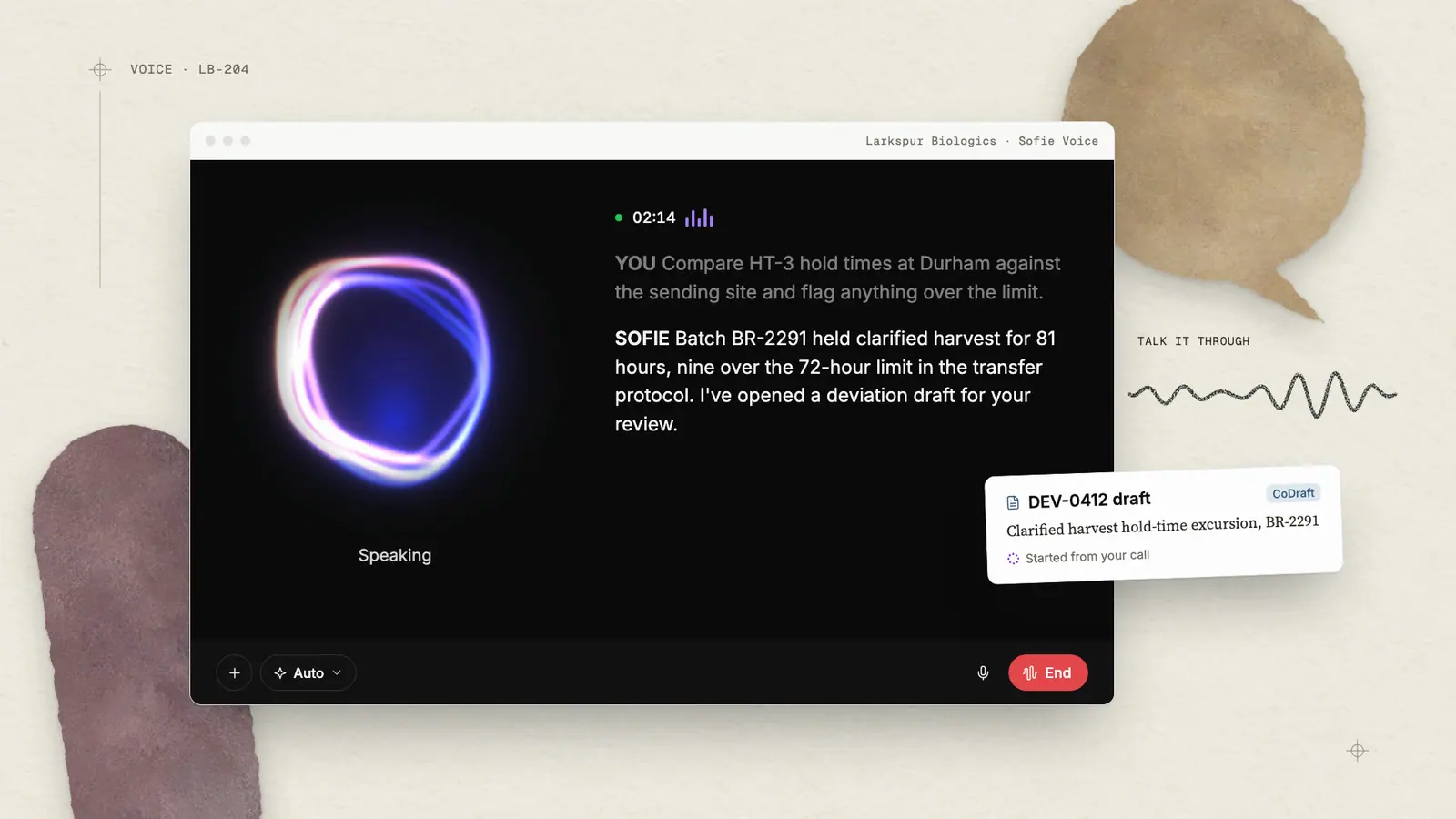
As the way you work with Sofie evolves, voice mode lets you engage in real-time conversations without interrupting your workflow—ask longer-form questions naturally, iterate in real-time, and get insights at conversation speed.
Whether you're reviewing documents, analyzing data, or brainstorming strategies, simply speak to Sofie and move your work forward.
Using Voice Mode
Sometimes typing isn’t the most efficient way to work. With voice mode, you can have a natural dialogue with Sofie — talking to and hearing her in real back‑and‑forth conversations that feel genuinely human, while staying in full control of when she’s listening and responding. For example, you can:
- Switch seamlessly between voice and text
- Ask follow‑up questions and iterate during your conversation
- Stop and mute directly from the microphone icon whenever you need Sofie to pause listening
To get started, click the microphone icon in chat and speak directly to Sofie. She processes your voice input in real time and taps into context from your current workspaces, CoMeetings, chats, and institutional knowledge to deliver precise, relevant responses.
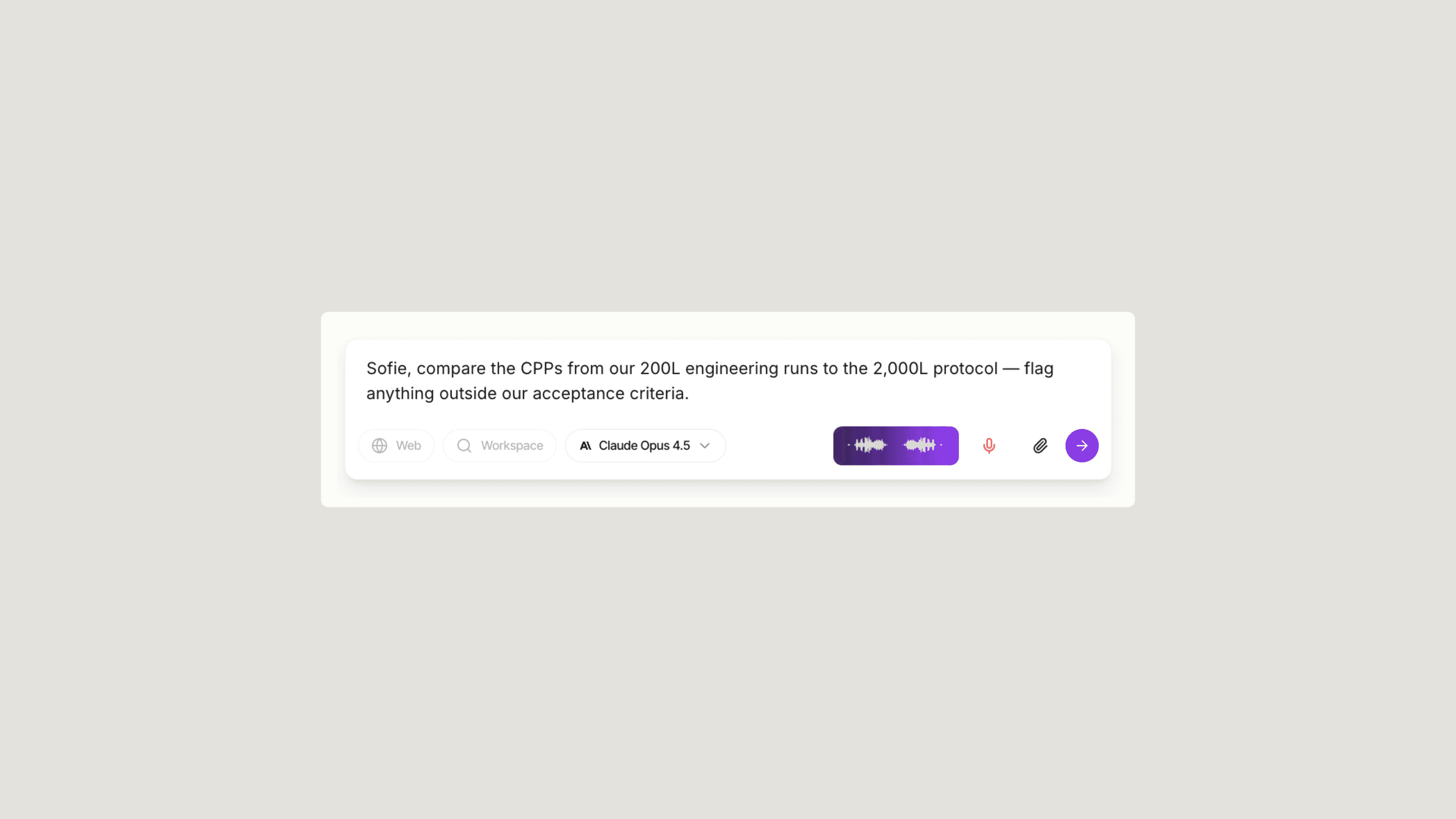
Handle Complex Requests with Confidence
Reliable, sourced answers are the foundation of biopharma work—every program decision, every regulatory interaction, every partner conversation. Most of your day is spent navigating validated data sources: regulatory guidance, batch records, study reports, tech transfer packages, and quality documentation.
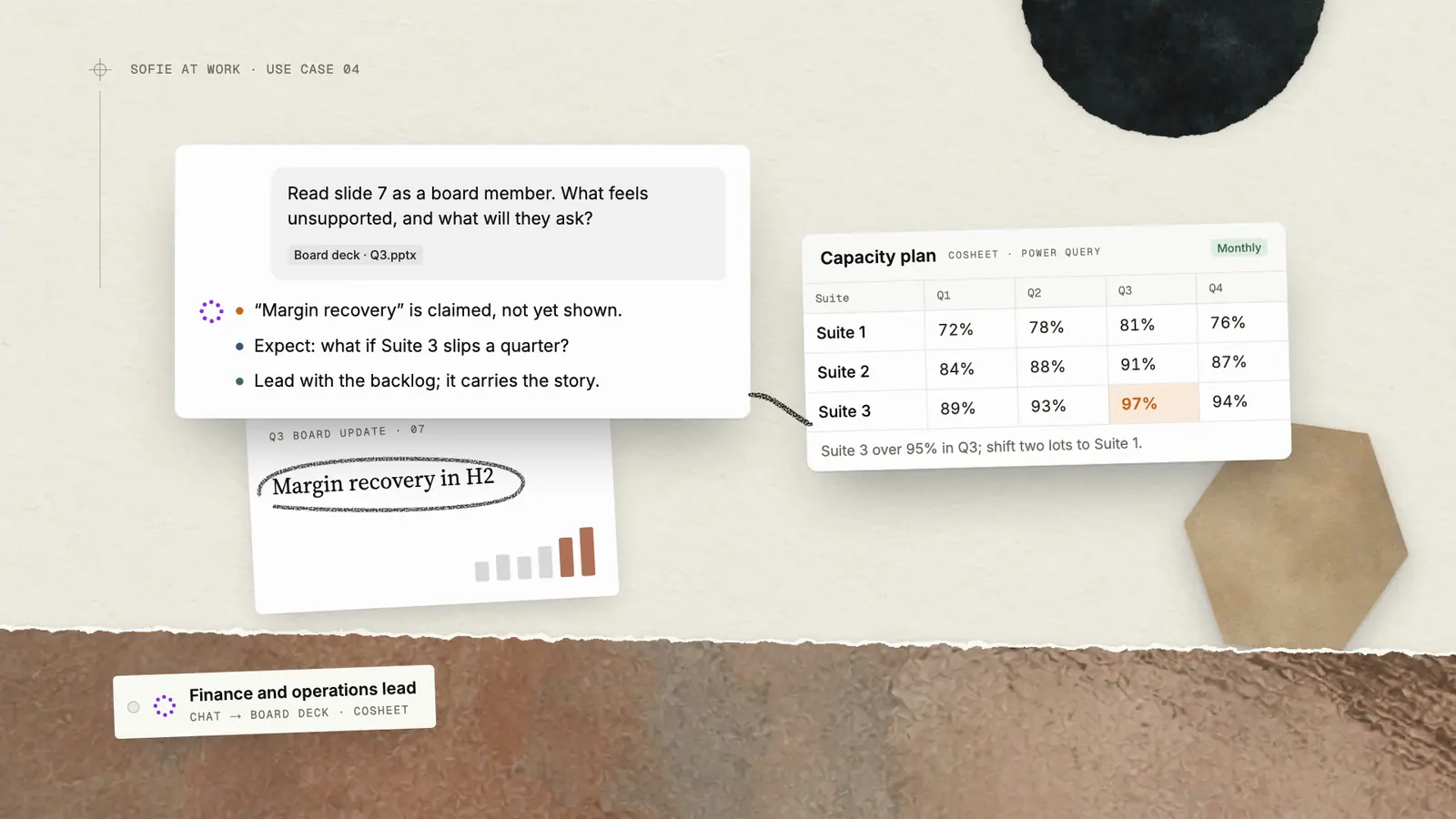
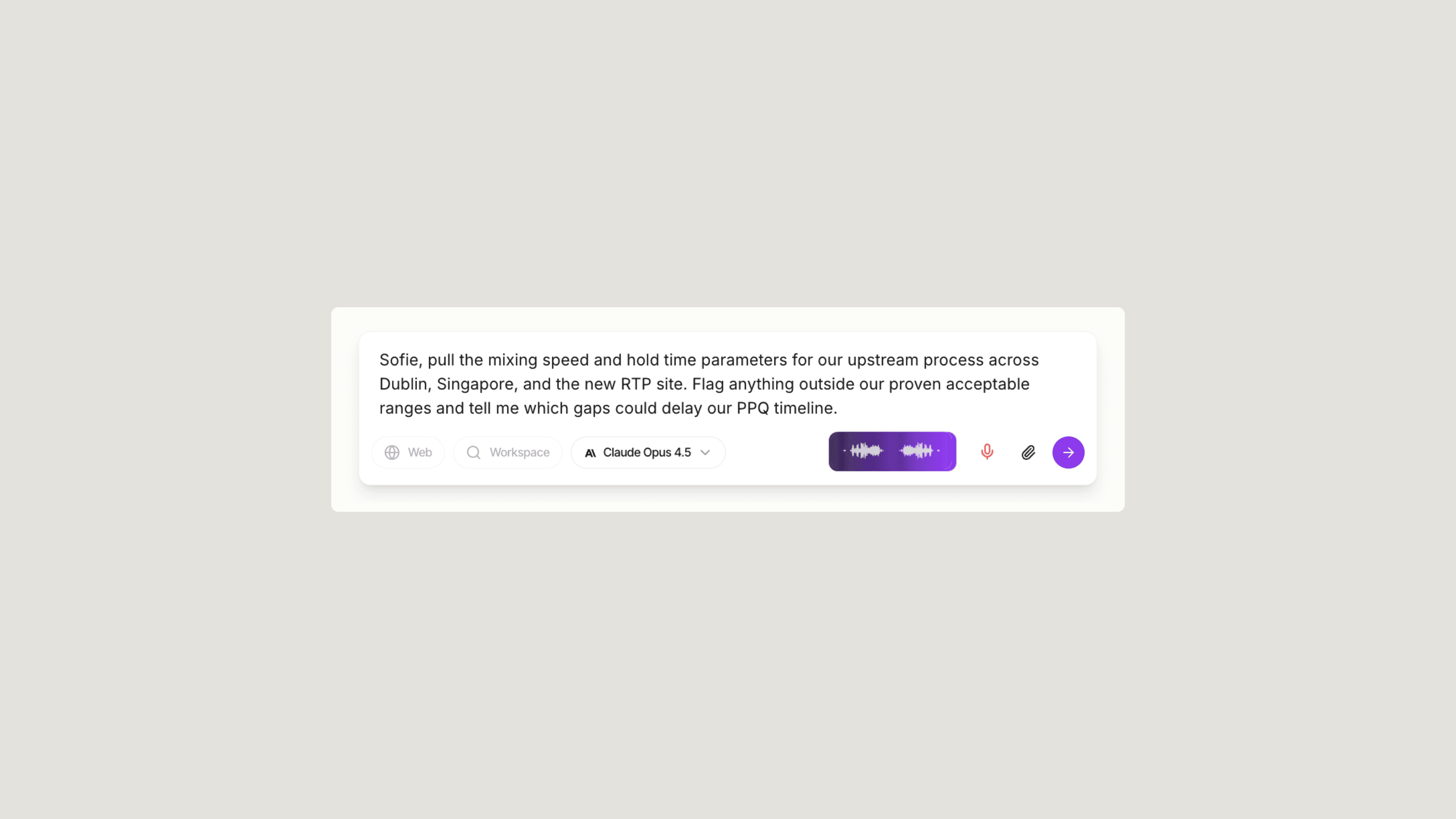
Voice mode supports these workflows. Articulate detailed, multi-step instructions and receive intelligent, fully sourced insights in return. Instead of typing long prompts, speak naturally—reference specific assets, assays, sites, or partners—and Sofie will parse the request, trace it back to underlying documents, and respond with structured, citation-backed answers.
Complex requests become simple to execute.
- A CMC lead can ask Sofie to compare process parameters across multiple sites and flag deviations that might impact PPQ readiness.
- A tech transfer team can walk through a troubleshooting scenario step-by-step and have Sofie surface relevant batch records, deviations, and CAPAs.
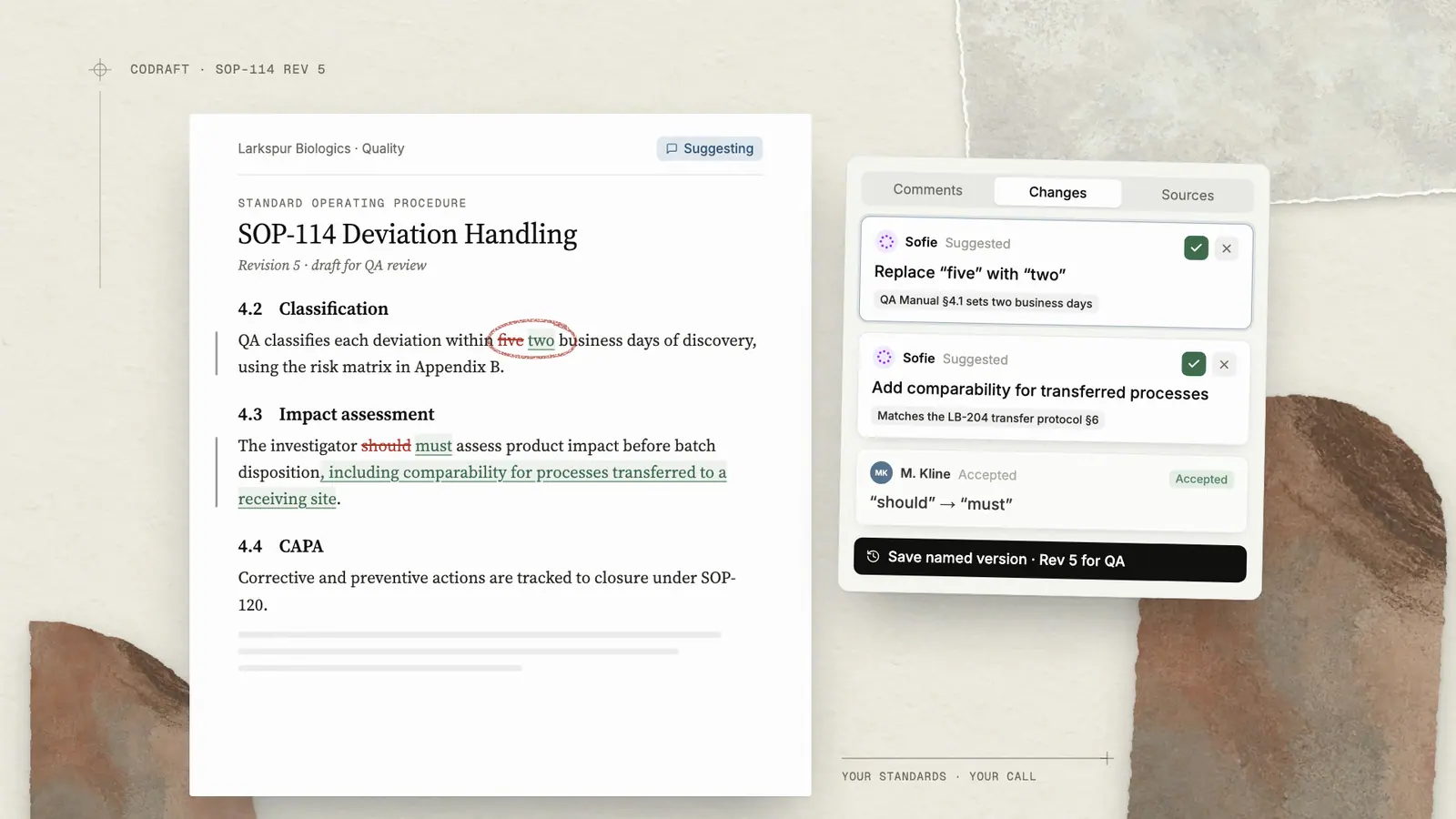
- A QA lead can request a summary of all changes impacting a control strategy, complete with references to source documents.
Spoken instructions become precise, traceable outputs—less friction, lower risk of missed context, and faster decisions anchored in validated data.
Enterprise-Ready Voice Intelligence
Voice mode maintains the same enterprise-grade security standards you expect from Sofie. All voice interactions are processed with the same data protection protocols, ensuring your sensitive information remains secure while enabling more intuitive collaboration with your AI assistant.
These enhancements represent Sofie's ongoing commitment to making AI collaboration as natural and efficient as working with a trusted colleague.
If you want a fresh set of high-impact ideas tailored to your use of Sofie, request a 1:1.
Insights
All insights